28 setup guides available
Smart TVs
 Samsung Smart TV
IPTV on Samsung Smart TV
Install a supported player from the Samsung Apps store and connect it to your CheapFlix service.
IPTV on Samsung Smart TV
Install a supported player from the Samsung Apps store and connect it to your CheapFlix service.
 LG webOS TV
IPTV on LG webOS TV
Install a compatible webOS player, add your subscription details and refresh the playlist.
IPTV on LG webOS TV
Install a compatible webOS player, add your subscription details and refresh the playlist.
 Hisense Smart TV
IPTV on Hisense Smart TV
Set up a supported player from the Hisense app store using your CheapFlix login.
IPTV on Hisense Smart TV
Set up a supported player from the Hisense app store using your CheapFlix login.
Streaming Devices
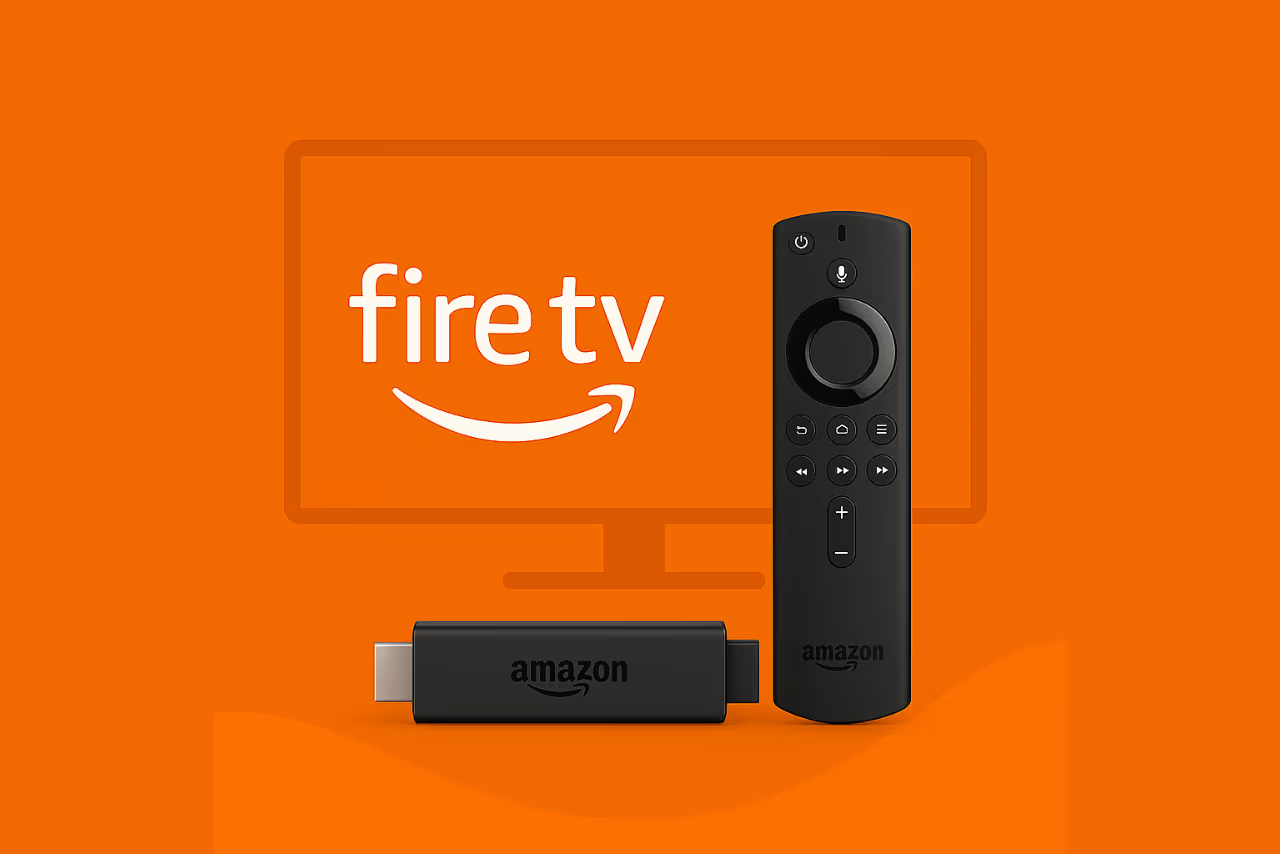 Amazon FireStick
IPTV on Amazon FireStick
Install the CheapFlix app with Downloader and sign in using your welcome details.
IPTV on Amazon FireStick
Install the CheapFlix app with Downloader and sign in using your welcome details.
Before you begin
- Connect your Amazon FireStick to a stable internet connection.
- Have the CheapFlix welcome message or client-area login available.
- Only install apps from the official device store or a download supplied directly by CheapFlix.
Install with Downloader
- Open the device app store, search for Downloader, and install it.
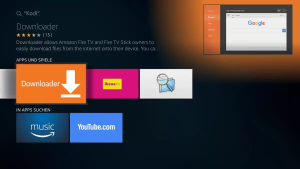
- If required, enable installation from Downloader in the device’s developer or unknown-app settings.
- Open Downloader and enter the current CheapFlix download code or URL from your welcome message.
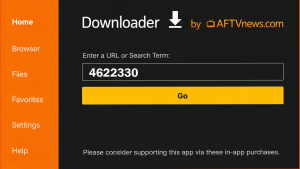
- Download and install the CheapFlix app, then delete the installer file to save space.
- For better security, turn off the unknown-app permission after installation.
Sign in
- Open the CheapFlix app.
- Choose the login type included in your welcome message.
- Enter the server address, username and password exactly as supplied.
- Allow the first channel and program-guide update to finish before selecting content.
Need help? Keep the device screen open and contact CheapFlix support with the device model and the step where you stopped. Never post your subscription password publicly.
 Android TV
IPTV on Android TV
Install the supported app on Android TV and complete the initial channel update.
IPTV on Android TV
Install the supported app on Android TV and complete the initial channel update.
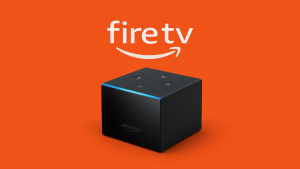
 Amazon Fire TV Cube
IPTV on Fire TV Cube
Use Downloader to install the current CheapFlix app and add your subscription.
IPTV on Fire TV Cube
Use Downloader to install the current CheapFlix app and add your subscription.
Before you begin
- Connect your Amazon Fire TV Cube to a stable internet connection.
- Have the CheapFlix welcome message or client-area login available.
- Only install apps from the official device store or a download supplied directly by CheapFlix.
Install with Downloader
Open the device app store, search for Downloader, and install it.
- If required, enable installation from Downloader in the device’s developer or unknown-app settings.
- Open Downloader and enter the current CheapFlix download code or URL from your welcome message.
- Download and install the CheapFlix app of your choice, then delete the installer file to save space.
- For better security, turn off the unknown-app permission after installation.
Sign in
- Open the CheapFlix app.
- Choose the login type included in your welcome message.
- Enter the your username and password exactly as supplied.
- Allow the first channel and program-guide update to finish before selecting content.
Need help? Keep the device screen open and contact CheapFlix support with the device model and the step where you stopped. Never post your subscription password publicly.
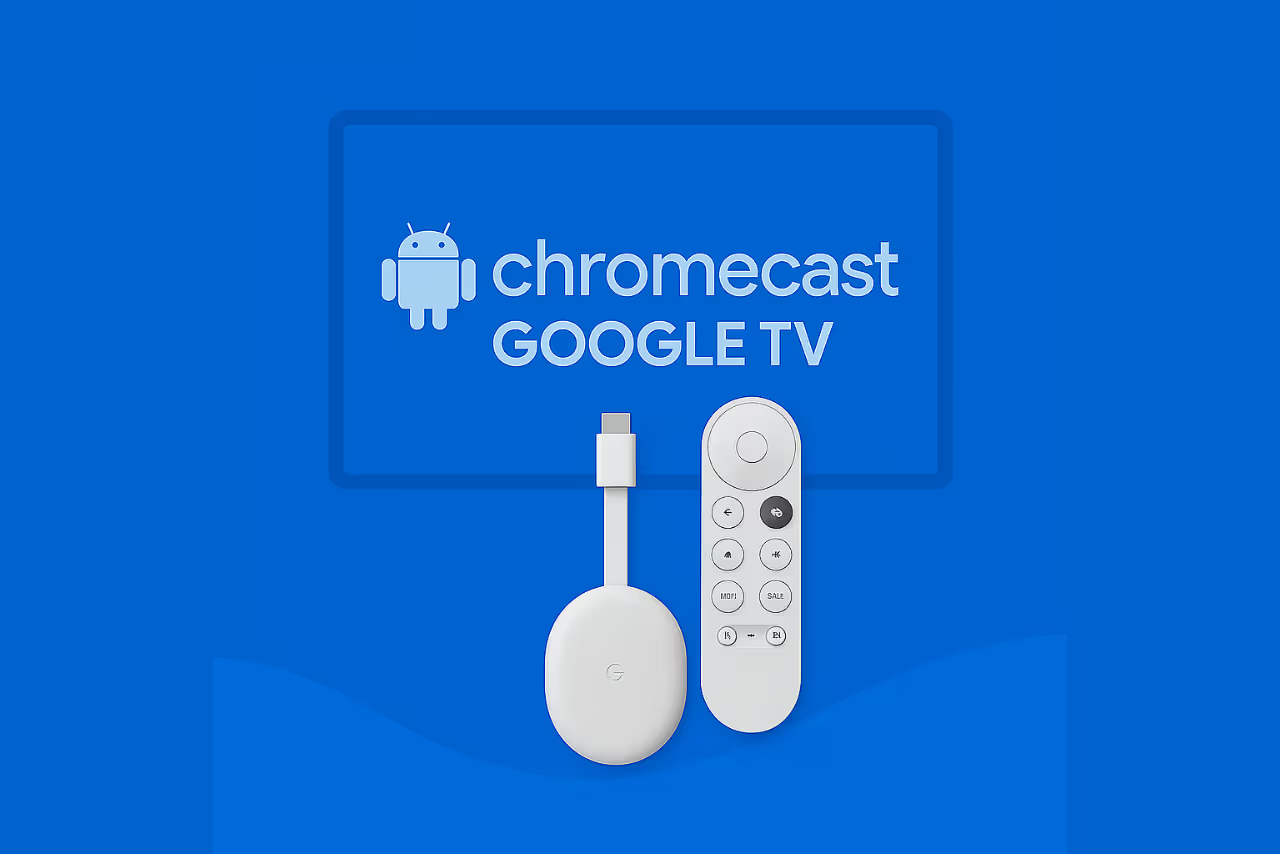 Chromecast with Google TV
IPTV on Chromecast with Google TV
Install the CheapFlix player through Downloader and connect your account.
IPTV on Chromecast with Google TV
Install the CheapFlix player through Downloader and connect your account.
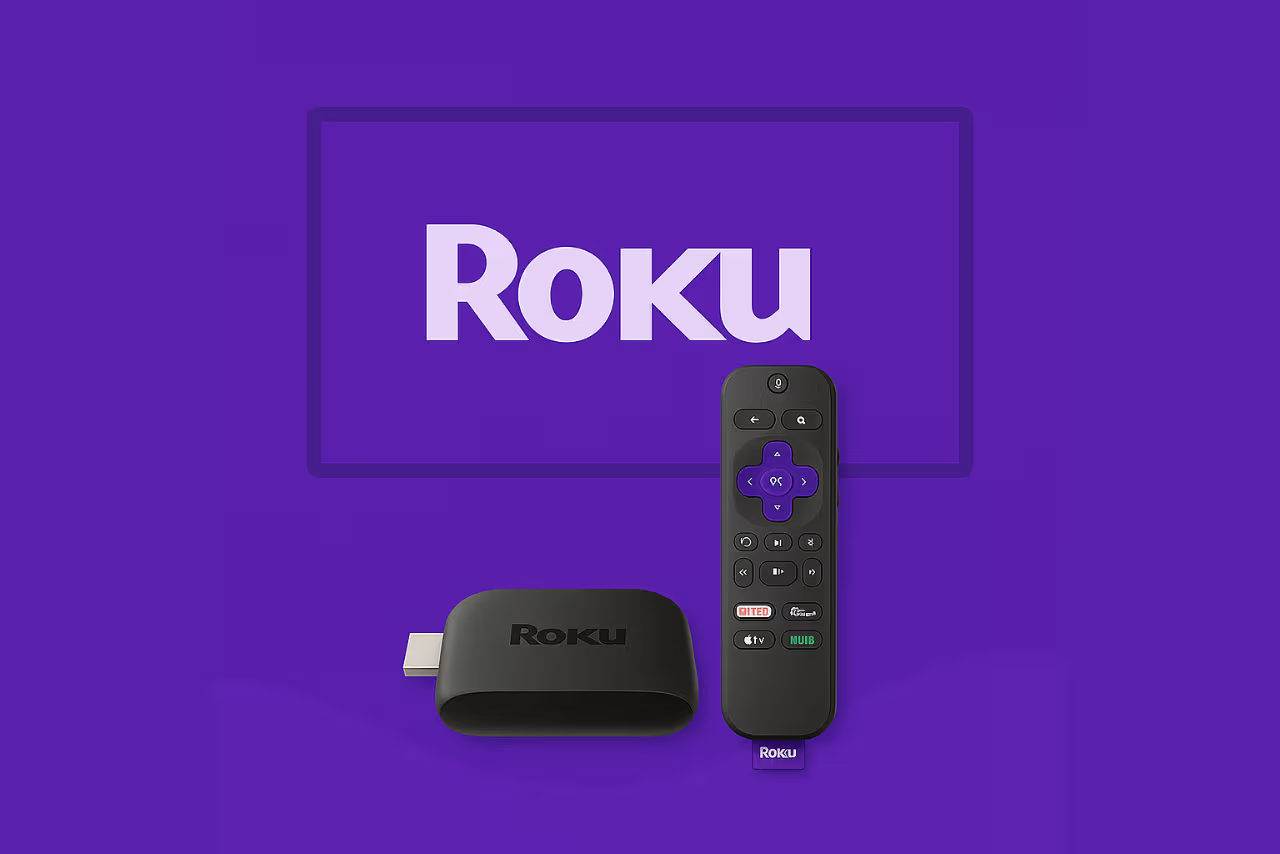 Roku
IPTV on Roku
Install a supported Roku channel and activate it using the device details shown onscreen.
IPTV on Roku
Install a supported Roku channel and activate it using the device details shown onscreen.
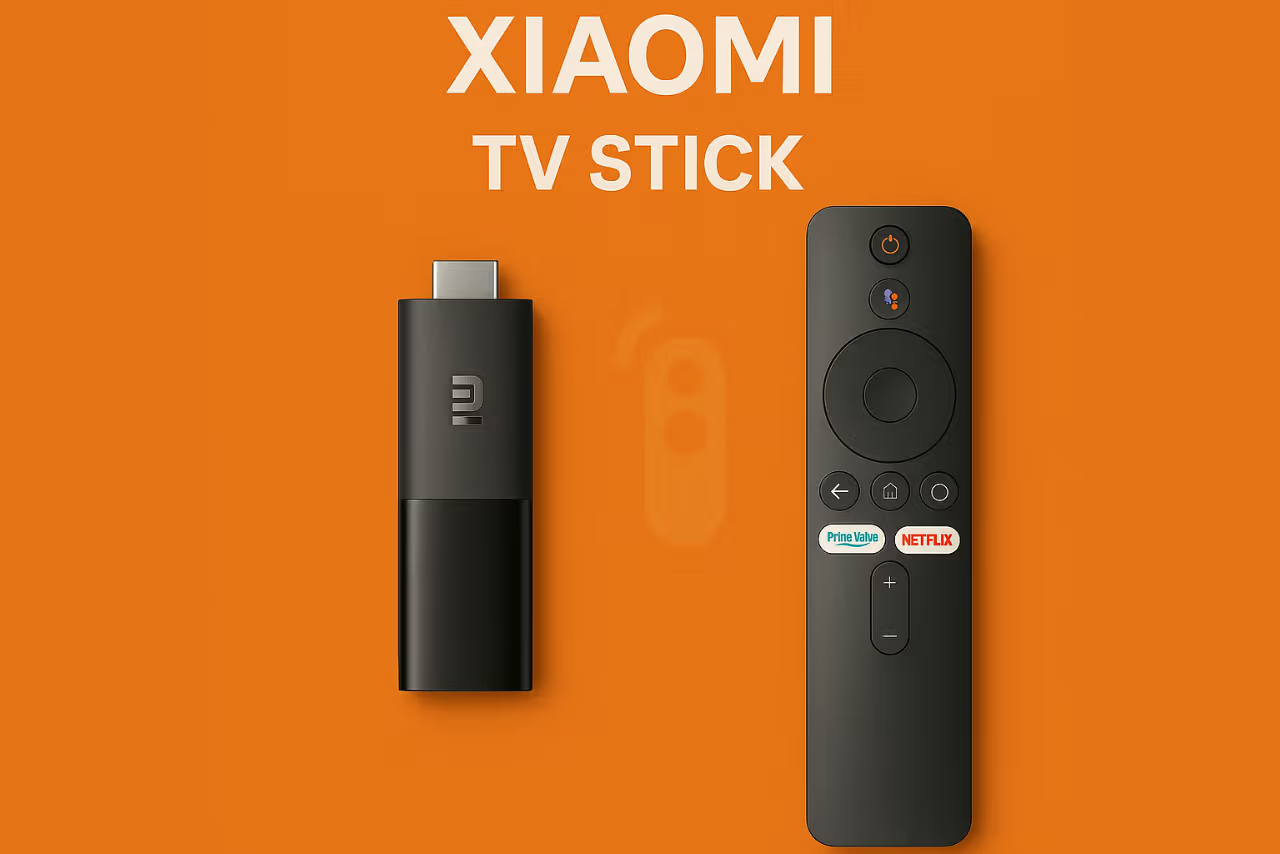 Xiaomi TV Stick
IPTV on Xiaomi TV Stick
Use the Android TV Downloader method to install and sign in to CheapFlix.
IPTV on Xiaomi TV Stick
Use the Android TV Downloader method to install and sign in to CheapFlix.
Phones & Tablets
 Apple Devices
IPTV on iPhone, iPad and Apple TV
Install a supported App Store player and connect it using your subscription details.
IPTV on iPhone, iPad and Apple TV
Install a supported App Store player and connect it using your subscription details.
 Android Phone
IPTV on Android phones and tablets
Install a supported Android player and add your CheapFlix service.
IPTV on Android phones and tablets
Install a supported Android player and add your CheapFlix service.
Computers
 Windows PC
IPTV on Windows
Install a trusted Windows player and add the playlist or Xtream Codes login.
IPTV on Windows
Install a trusted Windows player and add the playlist or Xtream Codes login.
Android TV Boxes
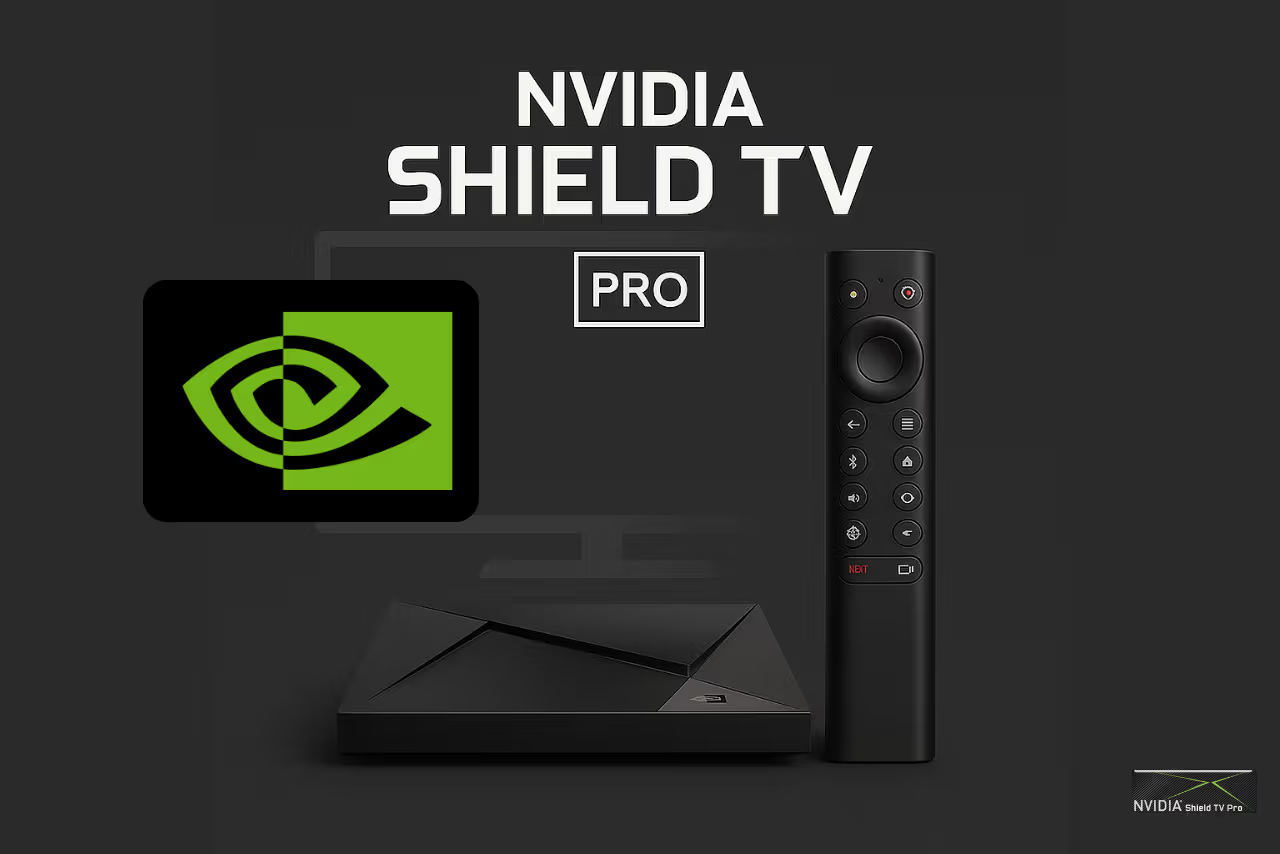 NVIDIA Shield TV Pro
IPTV on NVIDIA Shield TV Pro
Install the CheapFlix Android TV app and complete the first playlist update.
IPTV on NVIDIA Shield TV Pro
Install the CheapFlix Android TV app and complete the first playlist update.
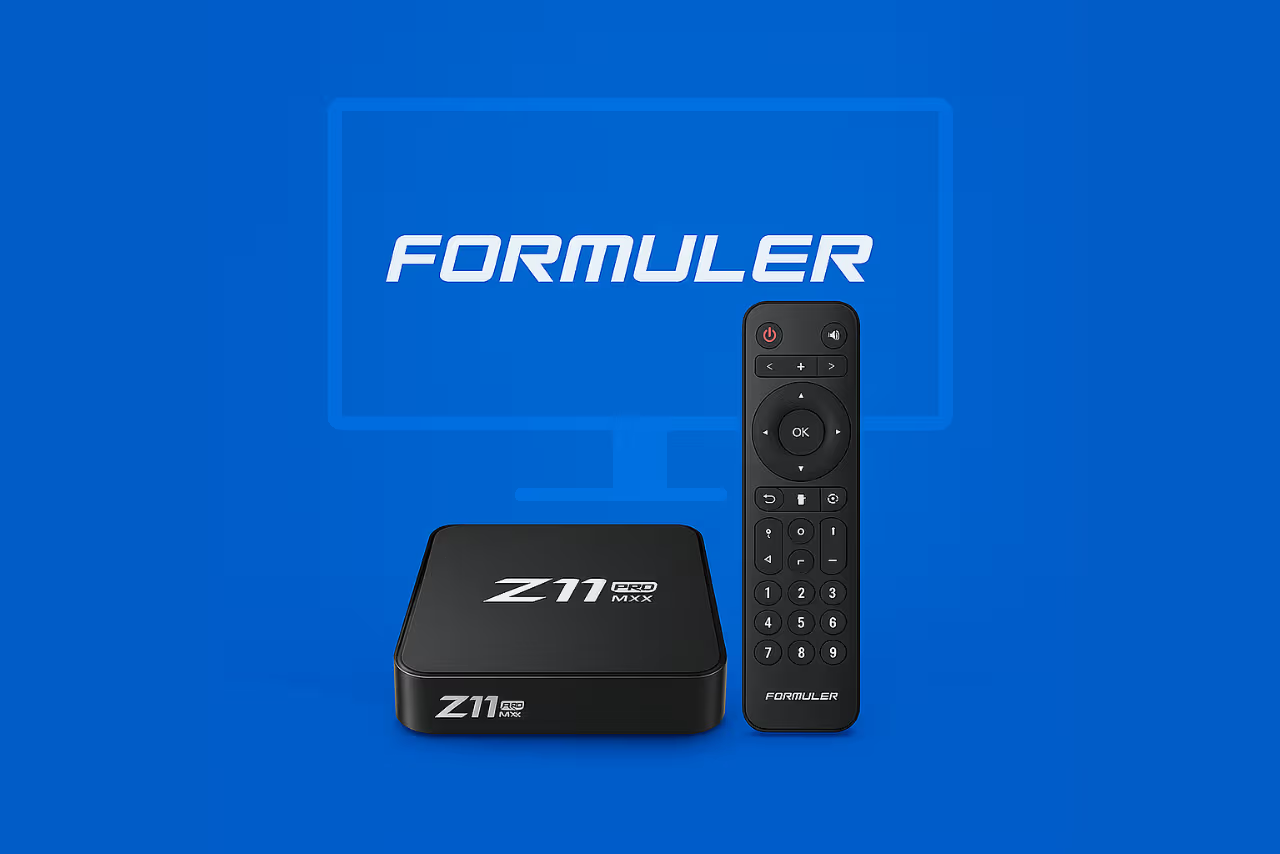 Formuler Z
IPTV on Formuler Z boxes
Connect CheapFlix through MyTVOnline using a portal or account login.
IPTV on Formuler Z boxes
Connect CheapFlix through MyTVOnline using a portal or account login.
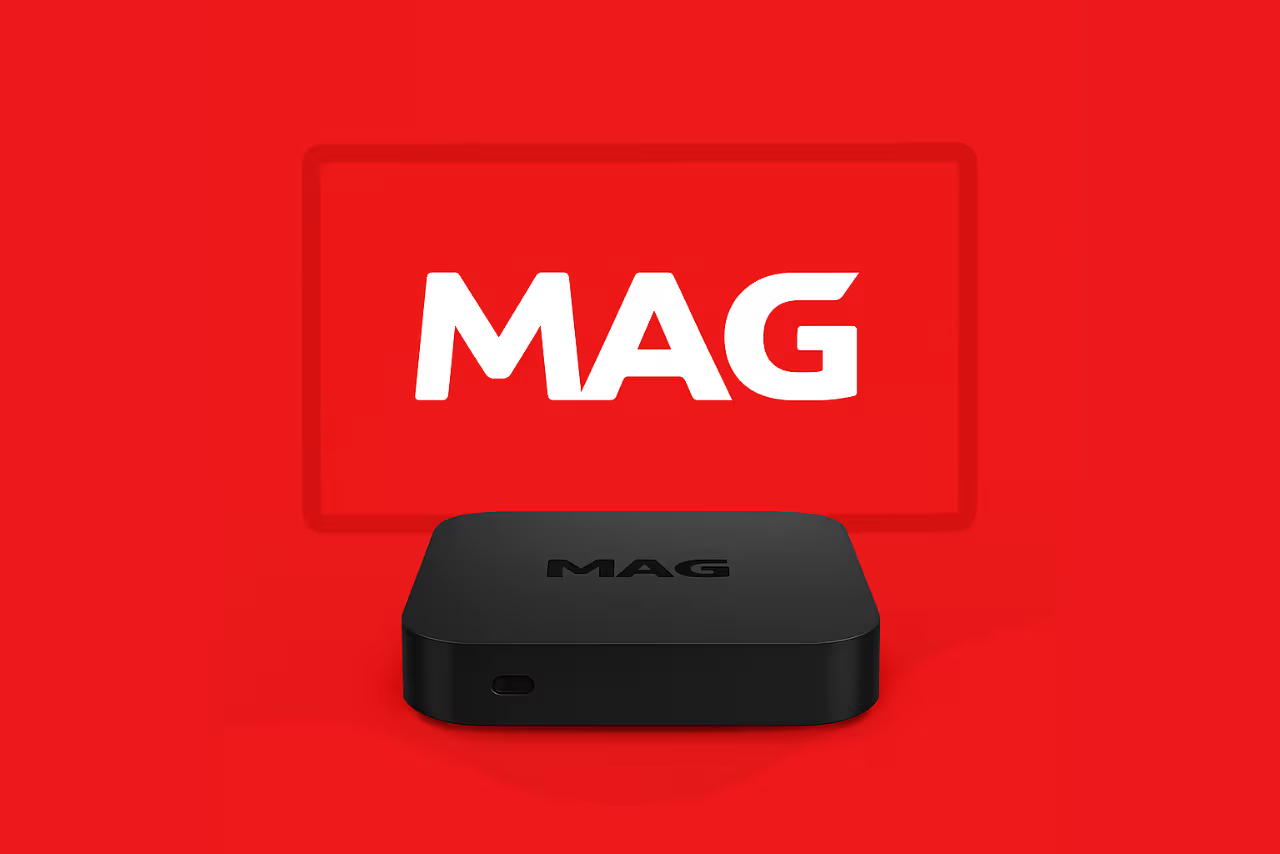 MAG Device
IPTV on MAG devices
Register the box MAC address and add the portal supplied by CheapFlix support.
IPTV on MAG devices
Register the box MAC address and add the portal supplied by CheapFlix support.
 Khadas Edge2
IPTV on Khadas Edge2
Install the CheapFlix Android app with Downloader and sign in.
IPTV on Khadas Edge2
Install the CheapFlix Android app with Downloader and sign in.
Mecool KM9 Pro
IPTV on Mecool KM9 Pro
Use Downloader to install the supported app and load your service.
IPTV on Mecool KM9 Pro
Use Downloader to install the supported app and load your service.
Xiaomi TV Box
IPTV on Xiaomi TV Box
Install the CheapFlix Android TV app and connect your account.
IPTV on Xiaomi TV Box
Install the CheapFlix Android TV app and connect your account.
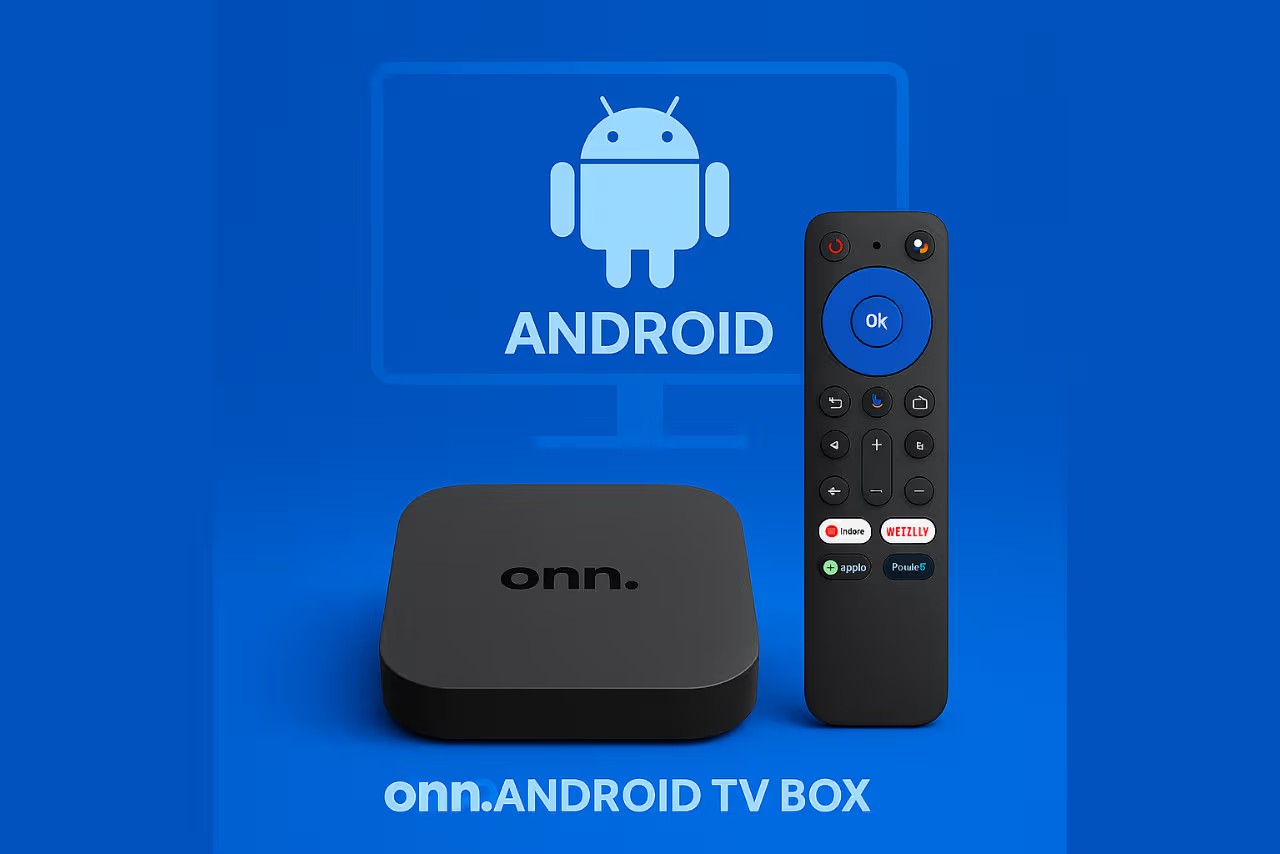 Onn. Android TV Box
IPTV on Onn. Android TV Box
Install CheapFlix with Downloader, then sign in and refresh the guide.
IPTV on Onn. Android TV Box
Install CheapFlix with Downloader, then sign in and refresh the guide.
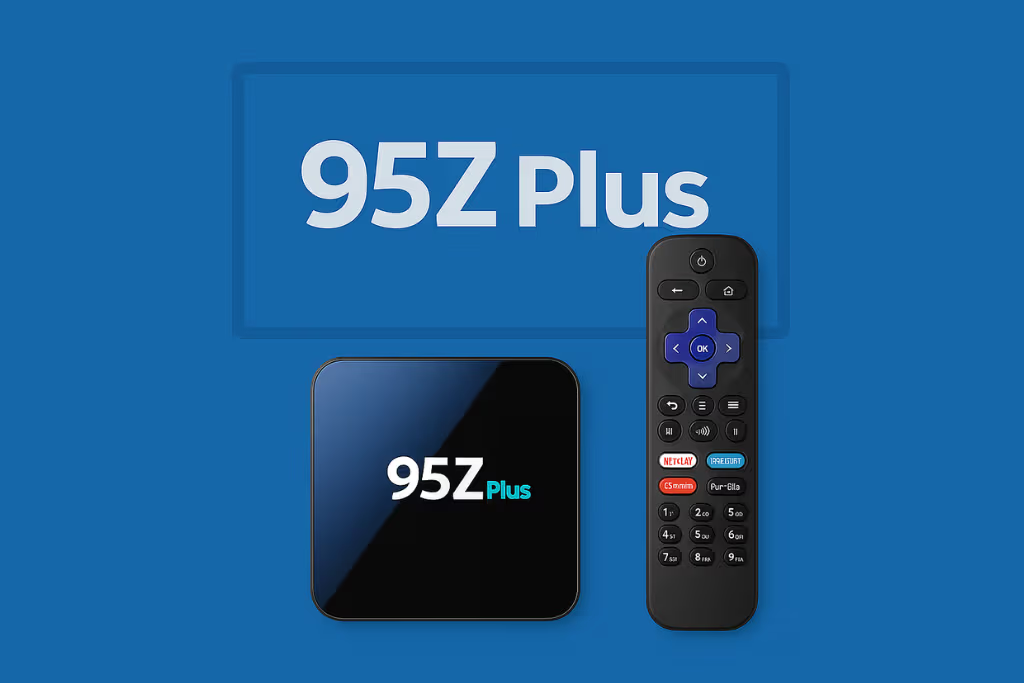 95Z Plus
IPTV on 95Z Plus
Use the standard Android TV box installation method for CheapFlix.
IPTV on 95Z Plus
Use the standard Android TV box installation method for CheapFlix.
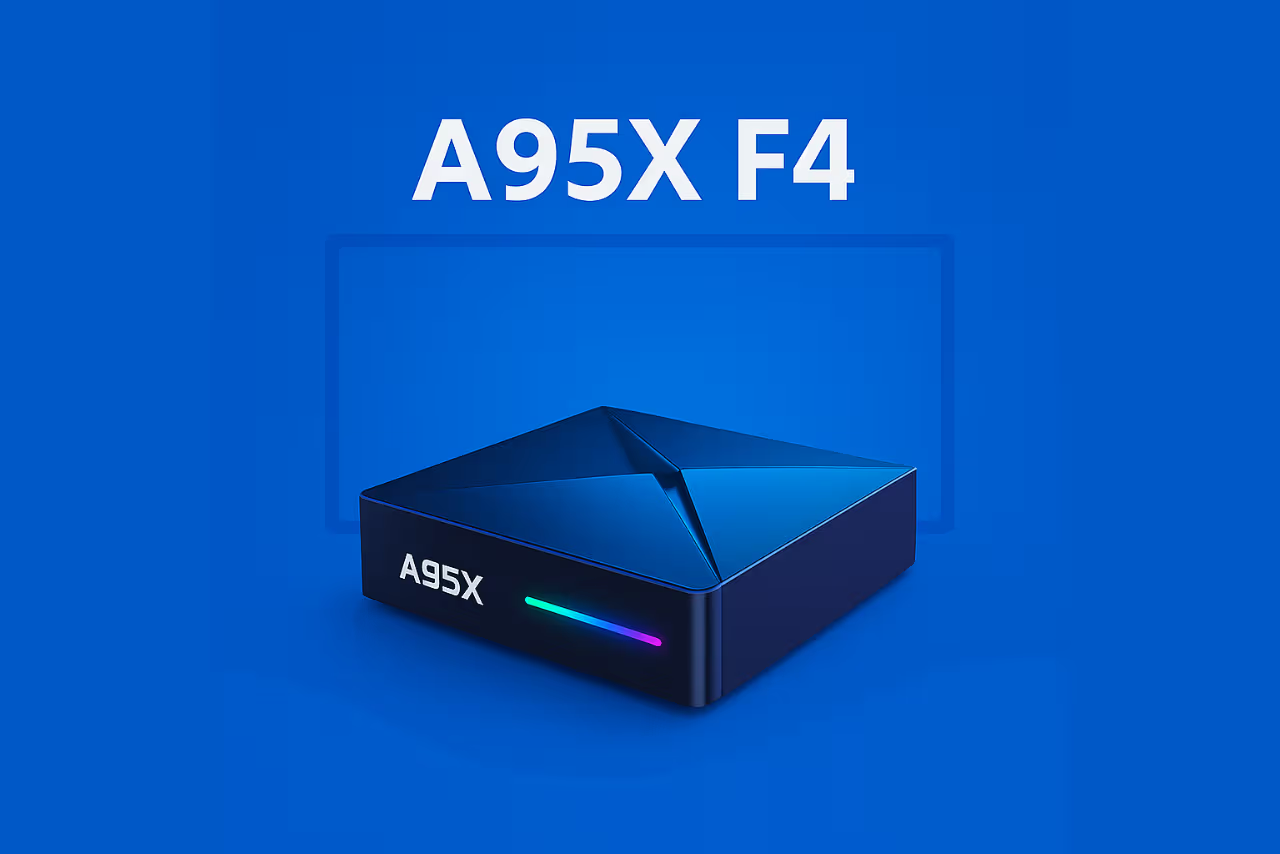 A95X F4
IPTV on A95X F4
Install the supported APK through Downloader and add your account.
IPTV on A95X F4
Install the supported APK through Downloader and add your account.
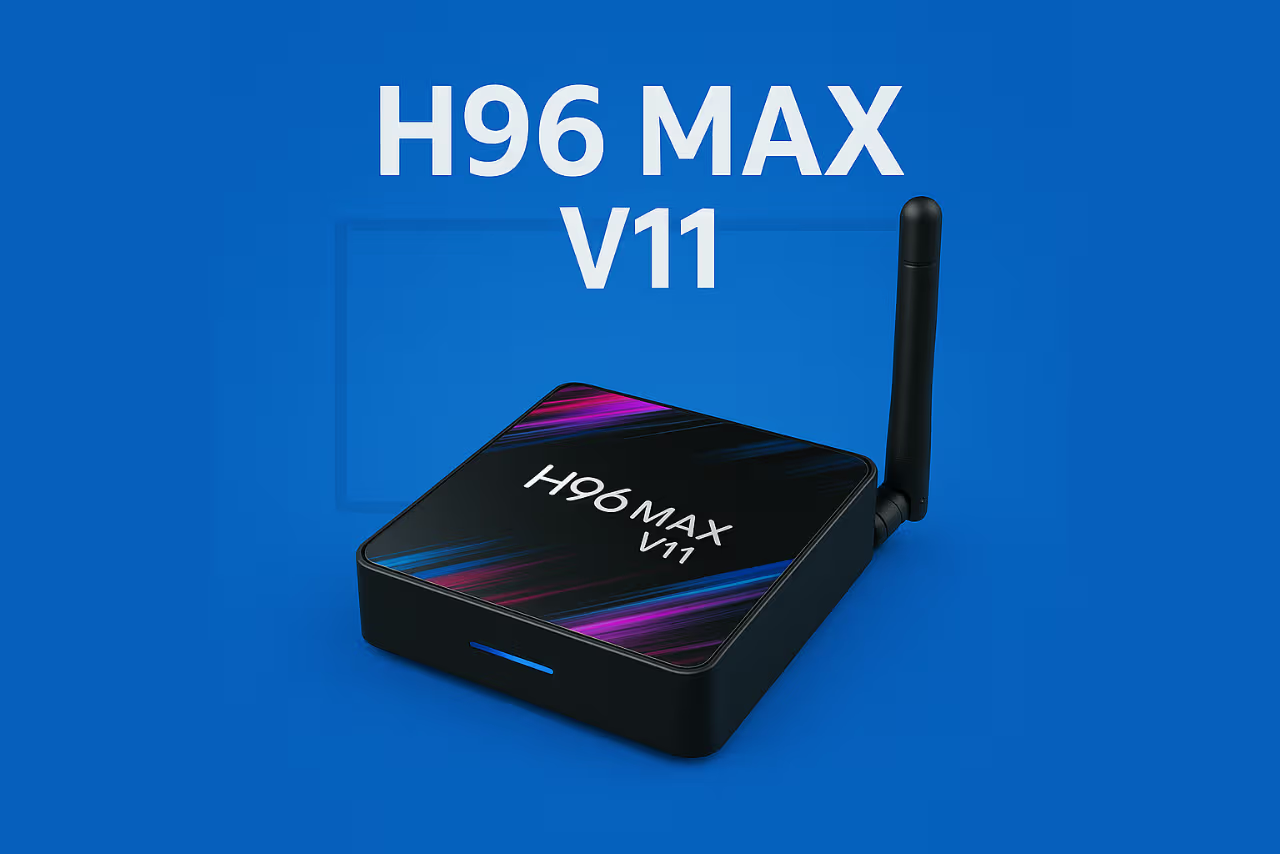 H96 Max V11
IPTV on H96 Max V11
Install and configure the CheapFlix Android player.
IPTV on H96 Max V11
Install and configure the CheapFlix Android player.
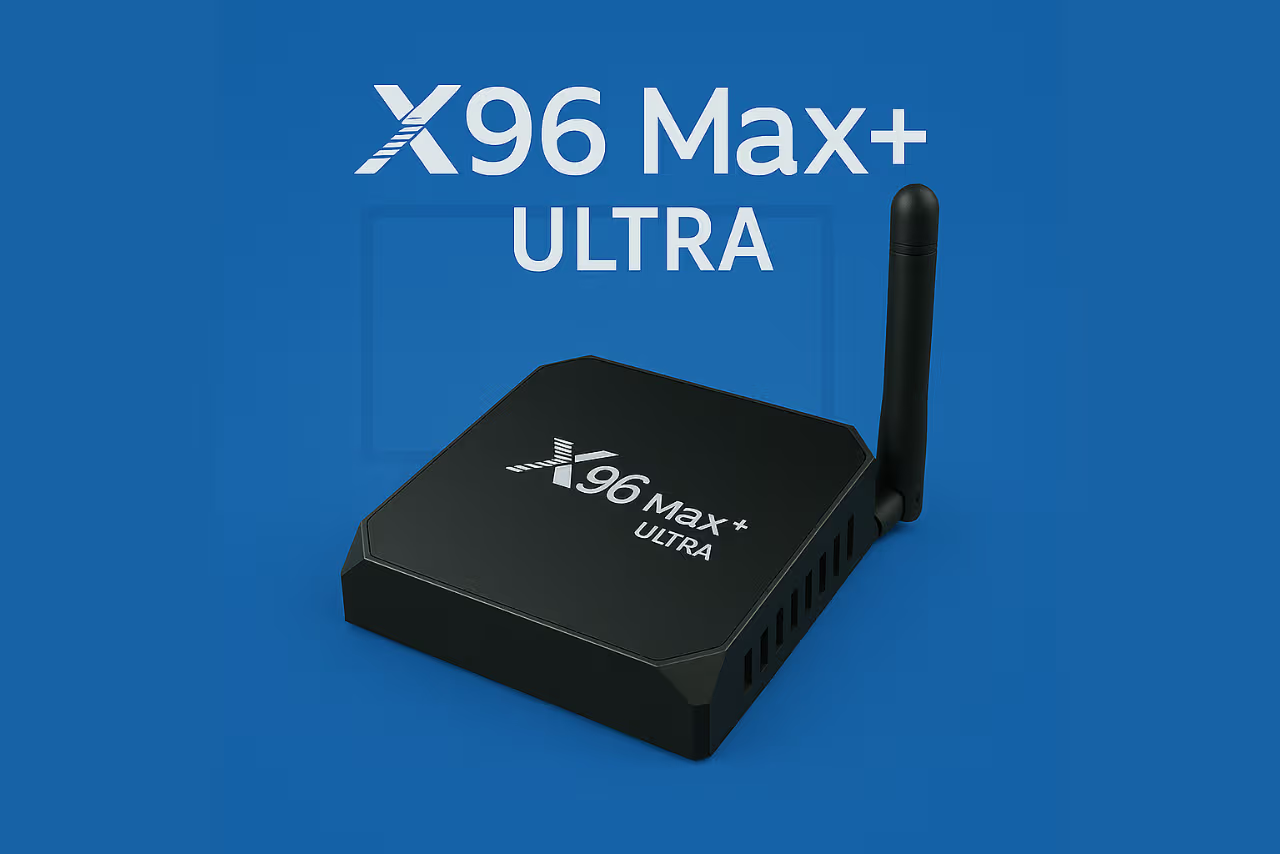 X96 Max+ Ultra
IPTV on X96 Max+ Ultra
Use Downloader to install CheapFlix and load your channel list.
IPTV on X96 Max+ Ultra
Use Downloader to install CheapFlix and load your channel list.
Tanix TX9S
IPTV on Tanix TX9S
Install the CheapFlix app and connect it to your subscription.
IPTV on Tanix TX9S
Install the CheapFlix app and connect it to your subscription.
Vontar X4
IPTV on Vontar X4
Use the Android TV box setup method to install and sign in.
IPTV on Vontar X4
Use the Android TV box setup method to install and sign in.
Ugoos AM6
IPTV on Ugoos AM6
Install the supported CheapFlix player through Downloader.
IPTV on Ugoos AM6
Install the supported CheapFlix player through Downloader.
Ugoos X4Q Pro
IPTV on Ugoos X4Q Pro
Install the CheapFlix app, sign in and complete the first update.
IPTV on Ugoos X4Q Pro
Install the CheapFlix app, sign in and complete the first update.
Pendoo X12 PRO
IPTV on Pendoo X12 PRO
Use Downloader to install the current CheapFlix Android application.
IPTV on Pendoo X12 PRO
Use Downloader to install the current CheapFlix Android application.
No matching guide found
Try a device family such as FireStick, Smart TV, Android, Roku, Apple or Windows.